Get images that fit your brand.
Every prompt picks up your brand voice, audience and palette before the model draws. Add reference images and it matches them. So every image starts on brand.
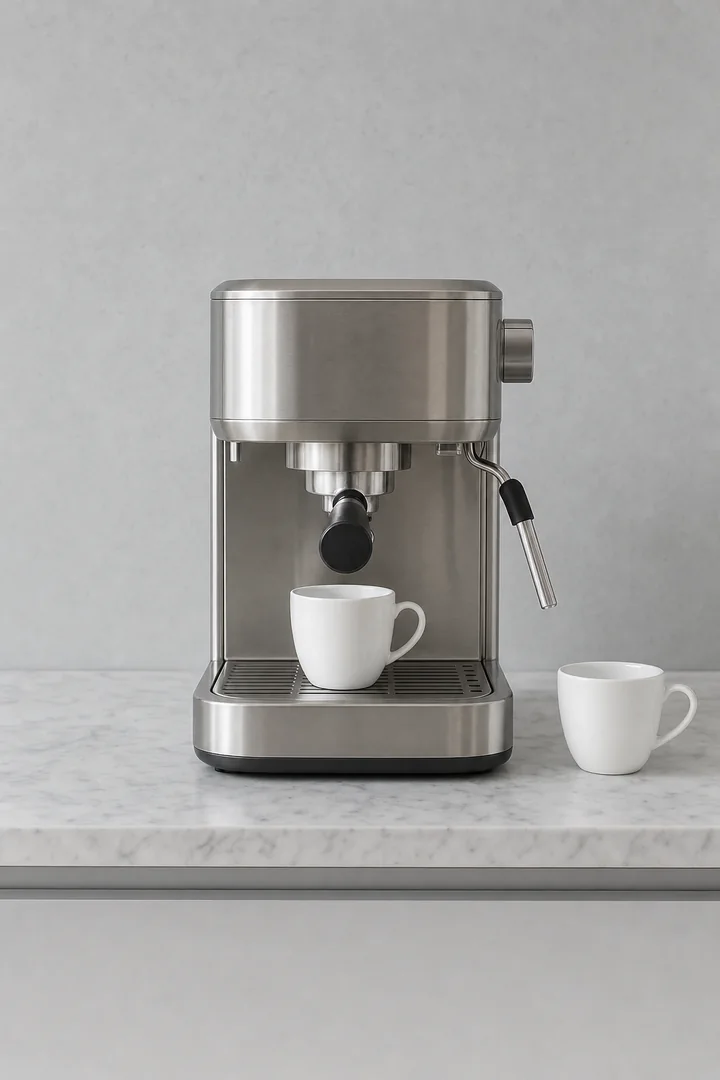
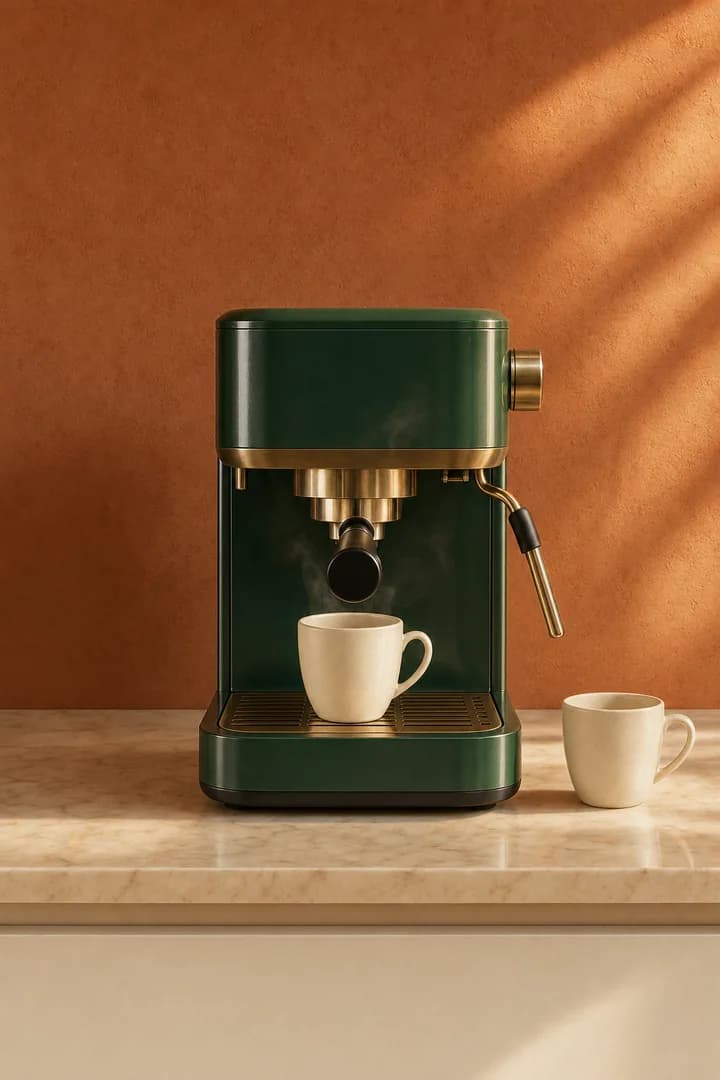
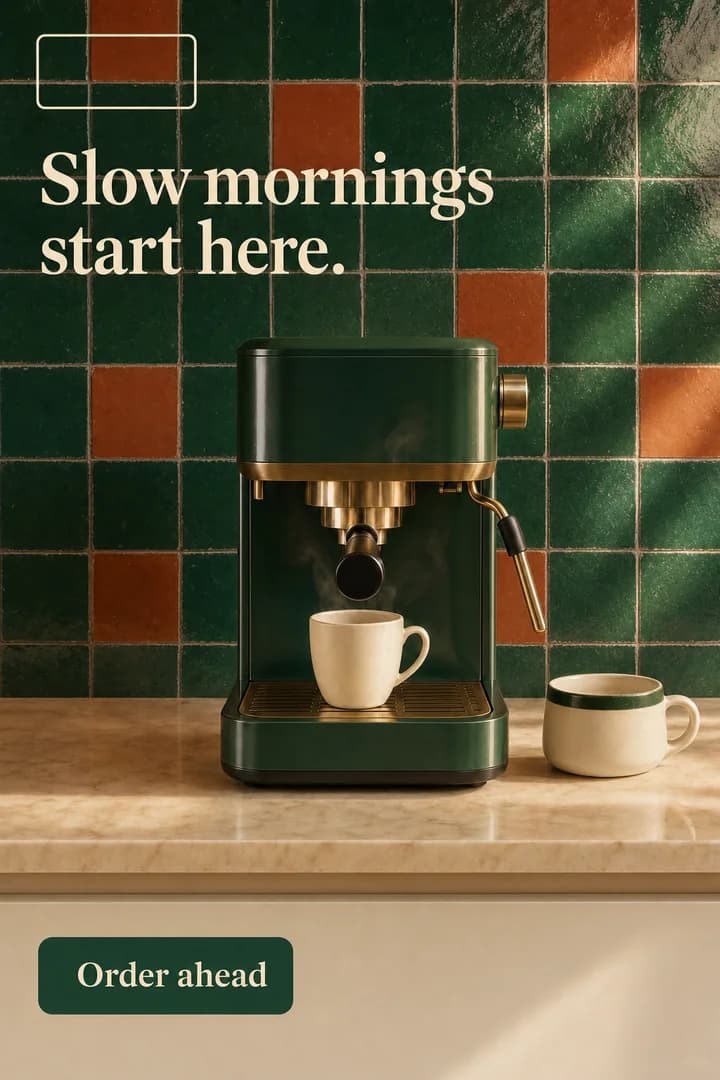
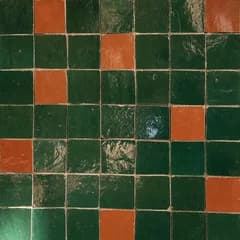
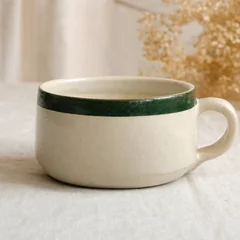
An example creative for a café. The prompt “Our espresso machine on a marble counter, morning light.” gives a generic photo. The brand memory arrives: a palette of terracotta, cream and deep green, the audience “Morning regulars” and the mood “Warm, unhurried”. The photo takes the palette and a warm morning light. Two reference images are added, green zellige tiles and a cream cup with a green band, and the photo becomes a finished ad: the wall takes the tiles, the cup on the counter becomes the customer’s own, and the hook “Slow mornings start here.” and an “Order ahead” button land on it.
Brand-aware by default
You describe the shot. Your agent adds the palette, the audience and the mood from your brand memory, then writes the prompt a designer would.
References that stick
Upload product shots, past creatives or a style you like. New images follow them, so a campaign hangs together.
Two quality tiers, four shapes
Medium for ads and exploring. High for hero images and frames with lots of words. You pick per image, so exploring stays cheap. Square, 2:3, 3:2 or 9:16 give a post, a feed ad, a site hero and a story the right shape.
Straight into the work
Creatives sit in your asset library next to your logo and photos, ready for a site page, an ad or a post.
Creatives, step by step.
- 01
Describe the image
Plain language. ‘Our espresso machine on a marble counter, morning light.’ Your agent handles the rest.
- 02
Pick a tier and a shape
Medium for ads and exploring, high for heroes and text-heavy frames. Square, tall, wide or story. You see the price before you generate.
- 03
Iterate
Ask for a wider crop, a different time of day, a second product. Each variation is its own generation, priced before you run it.
See the price of each action.
- Prompt drafted by your agent10 credits
- Image, medium (720p)25 credits
- Image, high (1080p)50 credits
Creatives, answered.
Which model draws the images?
Can I use the images commercially?
Start your studio.
Pick a plan, meet your agent and build your first site the same day. Cancel any time.